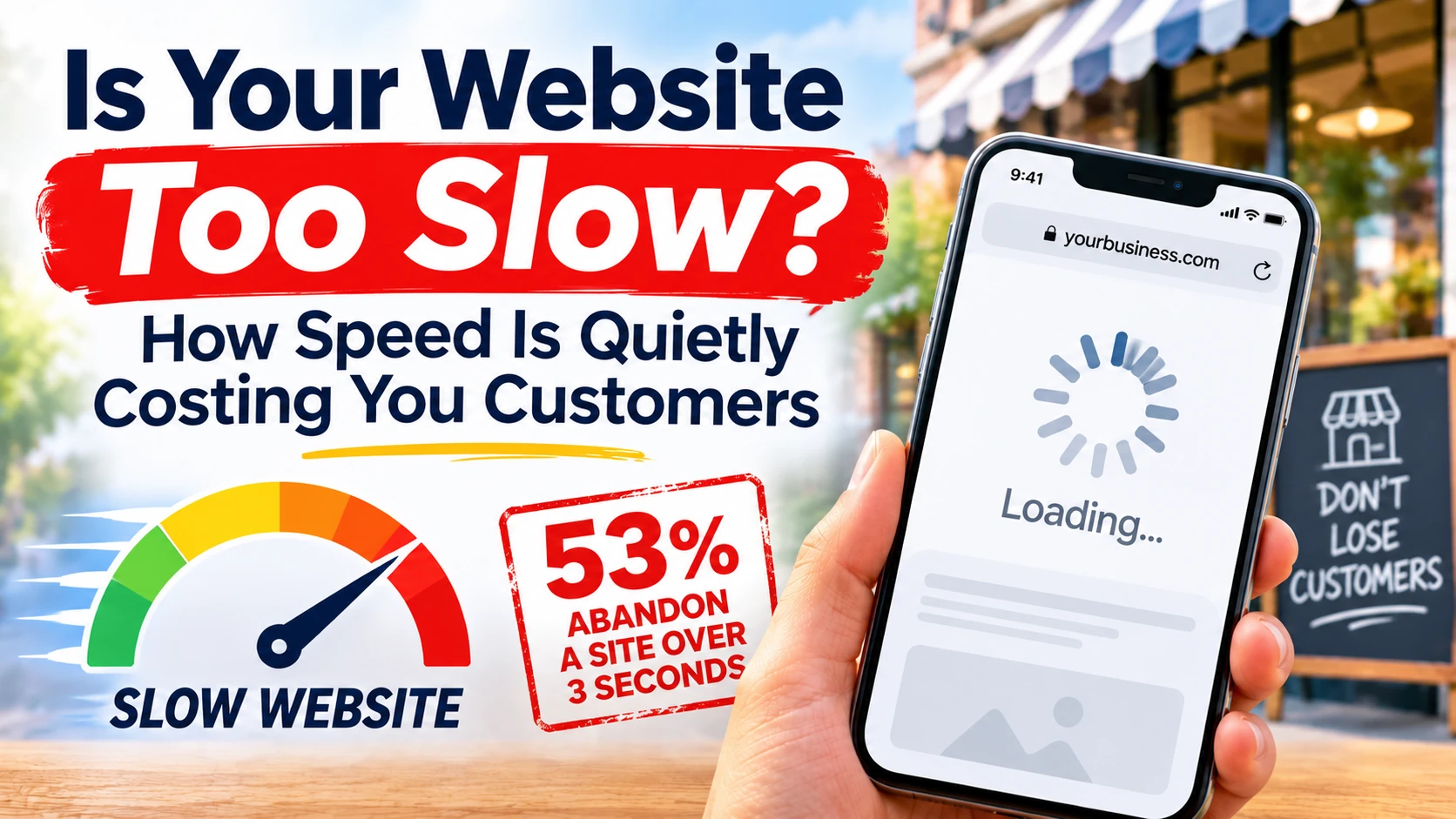
Your Slow Website Is Losing Customers Before They Ever See It
Picture this: someone in Mount Vernon searches for a barber, an auto body shop, or a restaurant. Your business comes up. They tap the link. And then they wait. One second. Two seconds. Three. The photos have not loaded, the menu is a blank box, and the phone number they wanted is nowhere to be seen.
Most of them will not wait for a fourth second. They hit the back button and tap the next business on the list. You never knew they were there. There is no missed call, no form submission, no record of the visit — just a customer who quietly became someone else’s.
This is the part of website speed that surprises the business owners I work with. A slow website does not look broken. It looks fine — to you, on your office Wi-Fi, on a desktop computer. But your customers are not on your office Wi-Fi. They are on a phone, on a train, on a patchy connection, trying to do one thing quickly. Speed is the first thing they experience, and it decides whether they experience anything else.
How Slow Is Too Slow?
Google’s own research found that 53% of mobile visits are abandoned when a page takes longer than 3 seconds to load. Read the research here. That number is a few years old now, and if anything, patience has gotten shorter since — not longer.
Google also measures speed as part of how it ranks websites. Its Core Web Vitals are the three numbers that matter most:
- Largest Contentful Paint (LCP) — how long until the biggest thing on the page (usually a photo or headline) appears. Google wants this under 2.5 seconds.
- Interaction to Next Paint (INP) — how quickly the page responds when someone taps a button or a link. Google wants this under 200 milliseconds.
- Cumulative Layout Shift (CLS) — how much the page jumps around while it loads. You know the feeling: you go to tap “Call Now” and the button slides away, and you tap an ad instead. Google wants a score under 0.1.
You can check your own numbers for free with Google’s PageSpeed Insights — just paste in your web address. It grades your site on a phone and on a desktop, and it tells you exactly what is slowing it down.
What Counts as a Good Score?
PageSpeed gives your site a score from 0 to 100. Here is how I read the results for local businesses:
- 90 and above: You are in good shape. Keep it that way.
- 50 to 89: Your site works, but it is leaving customers on the table. Fix the biggest issues.
- Below 50: Your site is actively costing you business. This is urgent.
Most of the local business websites I audit land somewhere in the 30s or 40s on mobile. The owners are shocked — the site looks fine to them. But the test simulates a mid-range phone on a 4G connection, which is a lot closer to how a real customer experiences it than your laptop on home internet.
Why Local Business Websites Are Usually Slow
Slow websites are rarely slow for one big reason. They are slow because of a handful of small decisions that pile up. Here are the ones I find on almost every site I audit.
Oversized Photos
This is the number one culprit, by a wide margin. A photo straight from a phone camera can be 4 or 5 megabytes. A homepage with six of those is asking a customer’s phone to download 25 megabytes before it can show anything useful. Photos should be compressed and resized for the web — a full-width banner image almost never needs to be wider than 1,600 pixels, and a good compression pass can shrink a photo by 70 to 80 percent with no visible difference.
Too Many Plugins and Widgets
Every chat widget, booking widget, review widget, pop-up, and tracking script adds weight and waiting time. Many small business sites run five or six of these at once, and each one loads its own code from another server. I am not saying remove them all — a booking widget that brings in appointments earns its place. But a social media feed, a weather widget, and a chatbot that nobody uses are all slowing down the customers who actually want to reach you.
Cheap, Shared Hosting
A $3-a-month hosting plan sounds like a bargain until you realize your website is sharing a server with hundreds of other sites, and the server is the bottleneck no design change can fix. Hosting is one of those things where the cheapest option is rarely the cheapest in the end — a slow site costs more in lost customers than the hosting ever saved.
No Caching
Caching means saving a ready-made copy of your pages so the server does not have to rebuild them from scratch for every single visitor. Without it, every visit is a fresh build. With it, pages can load in a fraction of the time. Most modern hosting and website platforms handle this automatically, but older sites and DIY setups often have it switched off — or never had it at all.
Videos That Autoplay
A video on your homepage can be a great selling tool — I build video previews into portfolio sites for exactly that reason. But a large video file that starts downloading the instant the page loads will bury everything else. If you use video, keep it short, compress it, and let it load after the rest of the page is ready.
What Speed Costs You, in Real Terms
Speed is not a technical vanity metric. It hits the three things that decide whether a local business grows:
Lost Customers
Every extra second of load time costs you visitors. Google’s data shows that as load time goes from 1 second to 3 seconds, the chance of a visitor leaving jumps by 32%. From 1 second to 5 seconds, it jumps by 90%. These are people who searched for what you do, found you, and left before your site even finished loading.
Worse Google Rankings
Google has said outright that speed is a ranking factor, and Core Web Vitals are part of how it decides which local businesses show up first. A slow site does not just lose the visitors who arrive — it gets shown to fewer people in the first place. This compounds with everything else in local SEO: a fast site with a complete Google Business Profile beats a slow site with the same profile.
Less Trust
People judge a business by its website, fairly or not. A site that loads instantly feels professional and established. A site that stutters and jumps around feels neglected — and customers wonder, if this is how they maintain their website, how do they maintain everything else? For a business that has never met the customer, the website is the first impression, and speed is the first thing they notice about it.
How to Speed Up Your Website
You do not need to rebuild your site to make it meaningfully faster. Start with the fixes that give the biggest return for the least effort.
1. Compress Your Images
Run every photo on your site through a compression tool before uploading it, and resize it to the size it will actually be displayed at. This single step often cuts a page’s weight in half. If your site already has dozens of uncompressed photos, work through the most important pages first: homepage, services, and contact.
2. Remove What You Do Not Need
Audit the widgets, plugins, and scripts running on your site. For each one, ask: does this bring in customers, or does it just sit there? Remove the ones that do not earn their place. Fewer moving parts means a faster site and fewer things that can break.
3. Test on a Real Phone
Do not just check your site on your own phone, on your own Wi-Fi. Borrow a friend’s phone, or use your phone’s data connection instead of Wi-Fi, and load your site the way a customer would. Time it. Tap the buttons. Try to find your phone number and your address. If anything feels slow or awkward, your customers are feeling it too.
4. Check Your Hosting
If your site is slow even after the images are compressed and the widgets are trimmed, the server itself may be the problem. Ask your hosting provider what plan you are on and whether your site is on shared hosting. Moving to a better host is one of the highest-impact changes you can make, and it is often cheaper than the customers a slow site loses in a single month.
5. Ask a Professional to Audit It
A speed audit looks at everything at once — images, hosting, code, third-party scripts — and gives you a prioritized list of what to fix first. It is the fastest way to find the two or three changes that will make the biggest difference, instead of guessing.
The Mistakes I See Most Often
After auditing local business websites across the NYC area, the same speed mistakes come up again and again:
- Uploading phone photos straight to the site. Full-resolution images are the single most common cause of slow local business sites.
- Adding a new widget for every idea. Each one seems harmless on its own. Together, they can double your load time.
- Testing only on a desktop. Your customers are mostly on phones. A site that feels fast on a laptop can feel broken on a phone.
- Treating speed as a one-time fix. Websites get slower over time as photos, plugins, and features pile up. A quick check every few months keeps it from creeping back.
- Assuming “it looks fine to me” means it is fine. Your connection, your device, and your familiarity with the site all make it feel faster to you than it is to a first-time visitor.
Final Thoughts
Your website has one job in those first few seconds: load fast enough that a stranger decides to stay. Everything else — your photos, your reviews, your services, your prices — only matters if the page actually appears.
The good news is that speed is one of the most fixable problems a website can have. Compress the images, cut the clutter, check the hosting, and test it on a real phone. Most local business sites I look at can get dramatically faster with a few hours of focused work — and every second you shave off is customers who stay instead of leaving.
If you want to know exactly what is slowing your site down, my $299 site audit includes a full speed check — your Core Web Vitals, what is causing the delays, and a prioritized list of fixes — along with a review of your Google Business Profile, your reviews, and the rest of your online presence. Learn more at Gorham Web Consulting.